|
The Rectangular Marquee Tool (M) is the most used tool. With this tool, we crop images, select colors, copy parts of images and so on. The Marquee Tool can be used in either Rectangular shape or Elliptical shape but that doesn't mean that our selection can only have one of these two shapes. Take a look at the next two images:
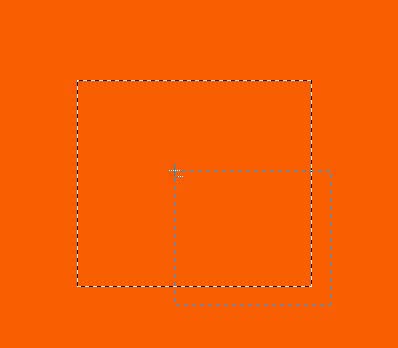 
While using the Rectangular Marquee Tool (M), make a rectangular selection. Rress the Alt key and make another selection, half way inside the existing selection, and half way outside it. Try exactly the same technique but this time instead of the Alt key, press the Shift key. Your two steps will look like the next two images:
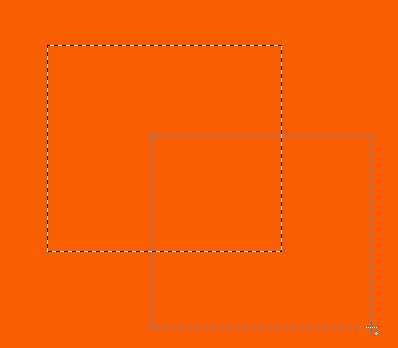 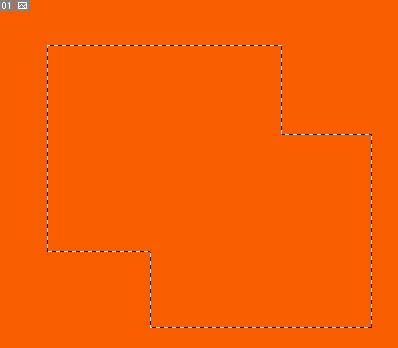
|
